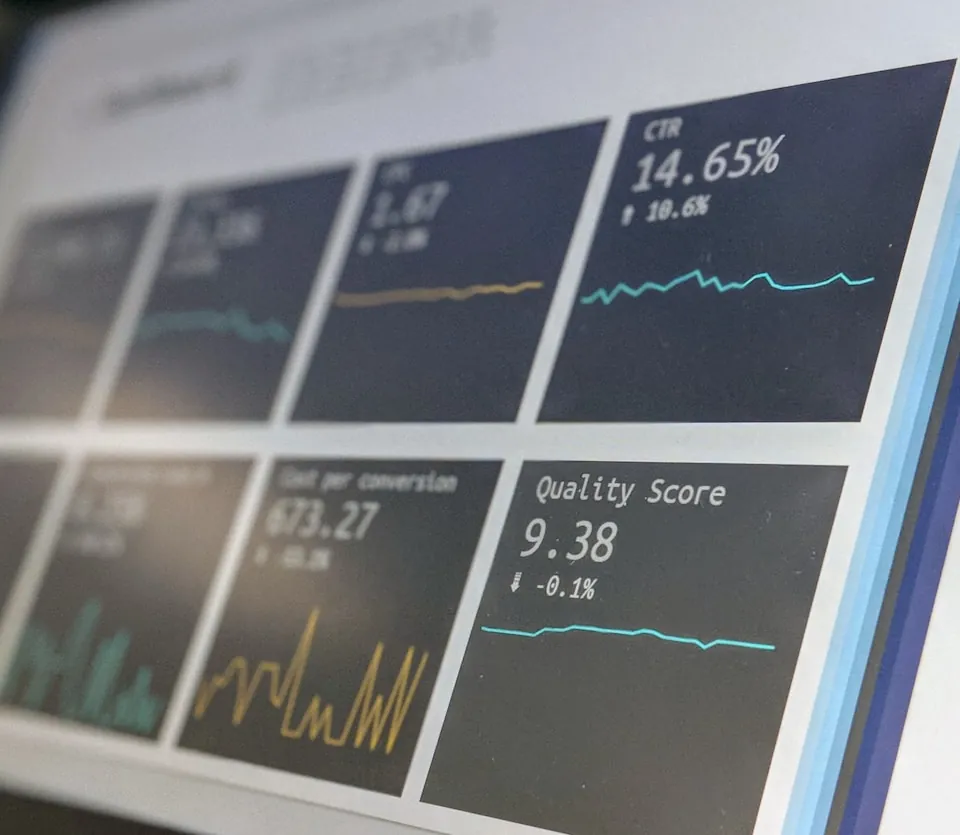
Fast on your laptop is not the same as fast for your users.
We build web applications for businesses: customer portals, dashboards, internal tools and SaaS products. Most web applications are built and reviewed on new hardware, on office broadband, against a small test database. Then they meet a four-year-old laptop on hotel wifi, fifty thousand real records and a browser with twelve other tabs open. That gap is where web projects quietly lose their users, so we design for it from the first week rather than in an optimisation pass at the end.
Illustrative: the same page built to a performance budget and built without one. On the slower version, many people have given up before it finishes loading.
AAWCAG 2.2 accessibility target
800+Projects delivered
100+Senior experts
7+Years delivering
Why it gets slow
Four reasons web applications get slow.
Performance is not one problem, it is four, and they have different fixes. Treating it as a single task at the end of a project is why the task never gets done.
01
Shipping the whole application at once
A single bundle containing every screen, every library and every locale, downloaded before anyone can click anything. Route-level splitting and honest dependency review usually recover more than any amount of micro-optimisation later.
02
The database is fine until it is not
Queries that are instant against a thousand test rows and pathological against a million real ones, usually because an index was never added or a loop is issuing a query per item. It is one of the most common reasons a page gets slower month by month.
03
Waiting on things in sequence
Auth, then profile, then permissions, then content, each waiting for the last. Every round trip costs a fraction of a second that is invisible in the office and painful on mobile data.
04
Nobody is watching
Without real user monitoring you find out from a customer rather than a dashboard, and you are guessing about which page and which device. Measurement is what turns performance from an opinion into a task.
Budgets
Performance budgets, enforced by the build.
A target nobody checks is a wish. We agree budgets with you at the start and wire them into continuous integration, so exceeding one fails the build in the same way a broken test does. These are our usual starting points. The two page-experience figures are the thresholds Google treats as good for Core Web Vitals.
Performance budgets with their targets and how each is measured
Metric
Budget
How it is measured
Server response
Under 200ms
Measured at the origin, before any content delivery network, so caching hides nothing.
Largest contentful paint
Under 2.5s
On a mid-range device over a throttled connection, not on the machine that built it.
Interaction to next paint
Under 200ms
Because an interface that responds late feels broken even when it is technically correct.
JavaScript shipped
Capped per route
A number agreed up front. Adding a library that breaks it becomes a conversation rather than a silent regression.
Who it is for
Who we build web applications for.
Businesses whose customers, partners or staff do real work in a browser: ordering, approving, reporting and managing. If a site mainly needs to publish content, you need something simpler than what we build.
A custom web application fits
Customers or partners need a portal to order, track, approve or pay.
Staff work in an internal tool all day and it has become slow or hard to change.
You are building a SaaS product or dashboard that has to stay fast as the data grows.
An existing web application has slowed down and you need to know why before you rebuild anything.
Accessibility is a legal or contractual requirement rather than a preference.
A simpler tool may do
You mainly need a marketing site or a blog. A good content management system will serve you better and cost far less.
A standard e-commerce platform already does what you need, and your process does not differ from it.
The job is simple enough that an off-the-shelf form or workflow tool covers it.
What we build
Six areas, with performance through all of them.
Application builds
Dashboards, portals, internal tools and customer-facing products, built to stay fast as the data grows rather than only on launch day.
Server-rendered and single-page
Role-based portals and dashboards
Complex forms and workflows
Performance engineering
Budgets, profiling and the unglamorous database work that produces most of the real gains.
Query and index optimisation
Bundle and route splitting
Caching strategy at every layer
Accessibility
WCAG 2.2 AA as a build requirement, tested with real assistive technology rather than only an automated scan.
Keyboard and screen reader paths
Contrast and focus management
Automated and manual audits
Real-time and collaborative
Live updates, presence and collaborative editing, with the conflict handling that makes them trustworthy.
WebSockets and server-sent events
Optimistic updates and rollback
Conflict resolution
Integration
Connecting to the systems your business already runs on, with contract tests so an upstream change fails in CI rather than in production.
REST and GraphQL APIs
Third-party service integration
Webhooks and background jobs
Observability
Real user monitoring alongside synthetic tests, so you know what actual people experience on actual devices.
Real user monitoring
Error tracking with source maps
Performance regression alerts
“
Their team was enthusiastic and delivered what they promised on time. And they easily responded to all our questions and changes throughout the process.
A web application is mostly surface area. Screens, forms, tables, filters, validation, empty states, error states, permissions on every route, and a test for each of them. It is well understood work that consumes most of a project budget without differentiating the product at all. We generate the first pass with AI tooling and put senior engineers on the data model, the performance work and the review, which is where a web application is actually won or lost. AI accelerates the work. Our engineers stay accountable for the decisions and the software that ships.
Time to a first production release
Conventional deliveryMonths
AI-first deliveryWeeks
Screens and statesEvery list, form, filter and table with its loading, empty, error and permission-denied states, generated and then reviewed against real data.
Data layer and queriesSchema, migrations and query layer drafted from your existing structures, then profiled by an engineer against realistic volumes.
Test coverageUnit, integration and accessibility tests written alongside features rather than deferred to a hardening sprint that keeps slipping.
API integrationClients generated from real specifications, with contract tests so an upstream change is caught before your users find it.
An indicative comparison, not a quote or a guarantee. The gain depends on your integrations, your data and how many roles and workflows the application has to support. We estimate every project individually and put scope, timeline and price in writing, with a like-for-like comparison against conventional delivery, before you commit.
Proof
This site is the demonstration.
The pages you are reading are hand-built on the same principles: no page builder, one stylesheet and very little JavaScript. We would rather you checked a performance claim than took it on trust, so open your browser’s developer tools and look at what this page loads and how long it takes.
Whichever suits the application and, importantly, whoever maintains it afterwards. React, Vue, Svelte, Laravel, Rails and Django are all in regular use here. A framework choice that leaves you unable to hire is a bad choice regardless of its technical merits, so your hiring market is part of the decision.
Our application has become slow. Can you fix it without a rebuild?
Usually, yes. We start with measurement rather than assumption, because the cause is rarely where people expect. The large wins tend to be a handful of database queries and an oversized JavaScript bundle, and both are normally fixable in weeks rather than by starting again.
What does a web application cost to build?
It depends on the number of user roles, the integrations and how much data has to move across, so we do not publish a price list. Within a week of our first call you get a written approach with a cost and time range and the assumptions behind it. When you are ready, that becomes a fixed proposal with scope, price and milestones in writing.
Do you do accessibility properly or just run a scanner?
Automated tools catch only part of what matters. We test keyboard paths and screen reader flows by hand as part of the build, because the failures that hurt most, such as a modal that traps focus or a form that gives no error context, are exactly the ones a scanner cannot see.
How do you stop it getting slow again after you leave?
The budgets stay in your continuous integration pipeline. If a future change pushes response time or bundle size past the agreed limit, the build fails and somebody has to make a deliberate decision. That is what keeps performance from eroding quietly over two years.
Can you work with our existing backend?
Yes, and often that is the sensible scope. We will tell you honestly if the API design is going to limit what the front end can achieve, and what a minimal set of changes would make possible, rather than insisting on replacing something that works.
What about SEO for a web application?
It depends whether the pages need to rank. Where they do, we server-render, keep the markup semantic and the metadata correct, and treat performance as the ranking factor it is. Where the application sits behind a login it does not matter and we will not sell you work you do not need.
How do you handle browser support?
We agree the matrix at the start based on your own analytics rather than a generic list. Supporting a browser nobody uses is a real cost, and so is dropping one that two percent of your revenue depends on, so the decision should be made against your data.
Who owns the code?
You do, in full, on final payment. Repository, infrastructure configuration, documentation and the freedom to hire anyone to continue. No minimum support term.
Tell us who will use it, and what it has to connect to.
A senior engineer reads every enquiry and replies within one business day, with an honest first view on scope, the hard parts and whether your existing backend can stay.
Seven short questions. About 90 seconds. A senior engineer reads your answers before we reply. No sales sequence, no newsletter. Just a thoughtful response about what comes next.